 Pembora
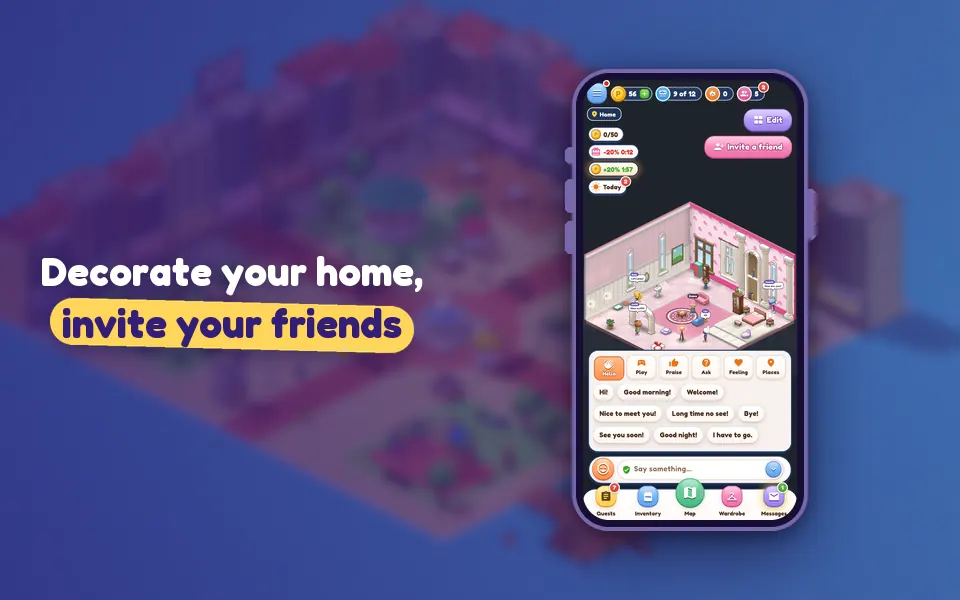
Your home is the one place in the neighborhood that’s all yours. Start from an empty room, furnish it in one tap, then make every corner your own.
How do I get home?
Tap the Map button at the bottom and choose Your home (from anywhere). Wherever you are in the neighborhood, you’re back home.
The Decorate screen
At home, tap Edit to open “Decorate”. It has four tabs:
- Shop: the furniture catalogue. Use Buy & place to put a piece straight into your room.
- Themes: the Room Wizard.
- Walls & Floor: wallpaper and flooring.
- My items: things you own that aren’t in the room.
The Room Wizard: 35 themes
“Pick a theme and furnish your room in one tap.” The Room Wizard has 35 ready-made themes, including:
- First Home
- Tiny Nest
- Camp / Forest
- Japanese Minimal
- Pet Paradise
- Space Explorer
- Retro 80s
- Reading Nook
- Winter Cabin
- Cinema Room
- Modern Loft
- Princess Castle
When you apply a theme, your old items aren’t sold; they go back to your bag and you can put them out again whenever you like. Every theme also comes with a food bowl and litter box for your pet. A few large themes need a bigger home; apply one in a small home and the upgrade cost is added to the total.
Grow your home
Each player has one room, and it comes in three sizes: Small Home (to start), Big Hall and Loft. Upgrading costs pem.
Host guests
- At home, use Invite a friend to call over a friend who is online.
- In the People panel, the door icon next to a friend means Knock on their door; if they let you in, you’re their guest.
- The host can always choose Remove from home on a guest’s profile card.
Want to see the furniture catalogue in person? Visit Joe at Joe’s Furniture, entered from the Plaza. For more things to do at home: the pet guide and the Wardrobe and outfits.